Splitly Update: Export Group Settlements to PDF
•
Long Nguyen
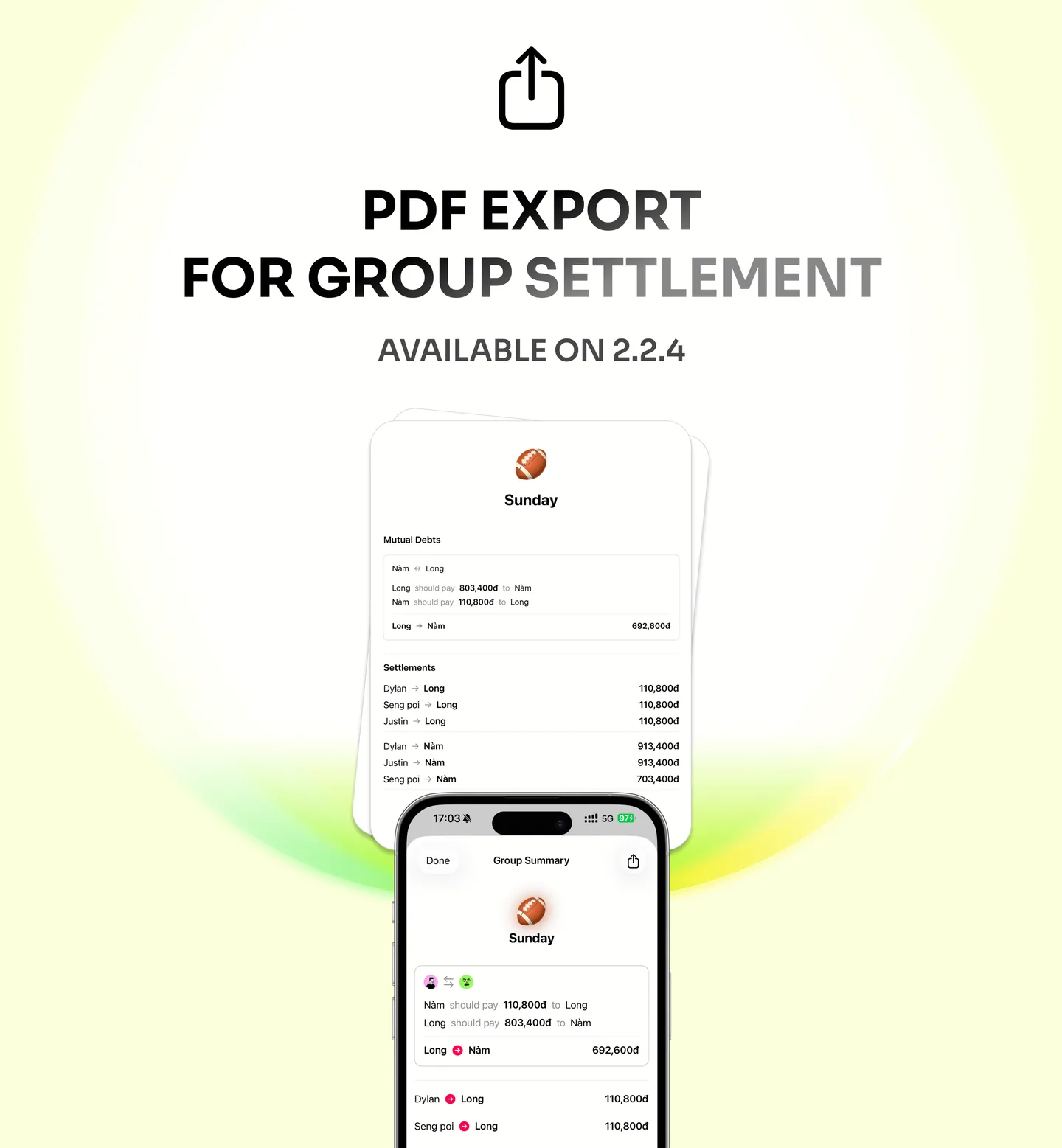
Settling up with friends just got a whole lot easier. With our latest update, you can now export your group settlements as a PDF directly from the Splitly app.
No more scrolling through long histories or taking multiple screenshots. Whether it’s a month of shared groceries or a big graduation trip, you now have a clean, professional document to keep everyone on the same page.
Why use PDF Export?
- Clear Summaries: A simple, easy-to-read breakdown of who owes what.
- Easy Sharing: Send the file instantly via email or your favorite messaging app.
- Permanent Records: Perfect for keeping a copy of your shared household bills or travel expenses.
How to use:
- Open your Group Settlement.
- Tap the Export icon.
- Select Download as PDF.
Update Splitly today and bring total clarity to your group expenses!