Splitly: Help-to-Pay Is Here
•
Long Nguyen
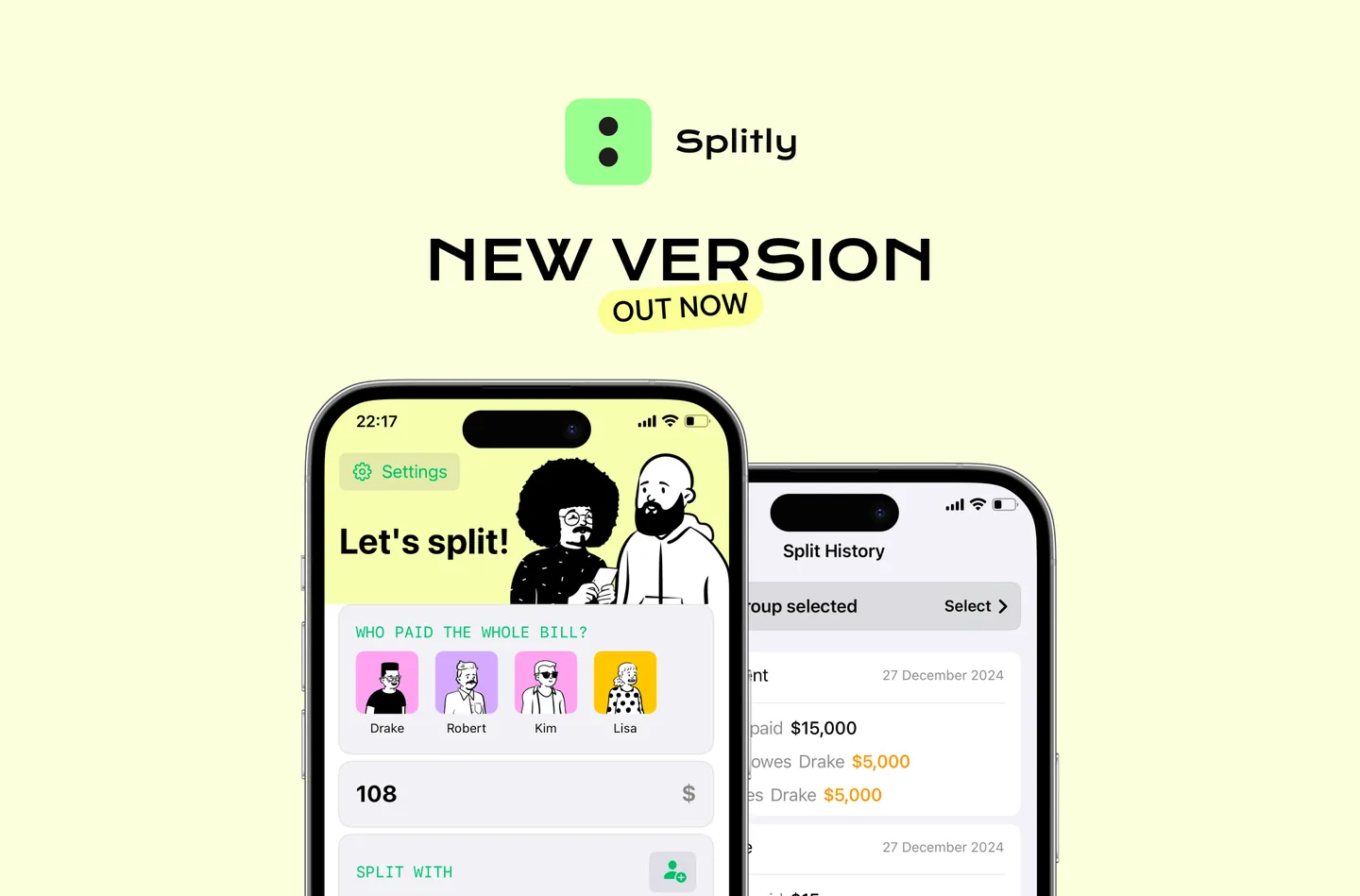
In the latest update, Splitly introduces help-to-pay: when one person covers the group, the app splits the bill so everyone else repays the full amount — no manual adding or subtracting.
Quick steps

- Choose the payer.
- Turn on “Payer is not in the split” when the person who paid is not part of the group you are splitting with.
- Splitly does the math; you just confirm the result.
Real-world example
You book an extra hotel room for two friends who join the trip later. Even though you pay upfront, the app knows you are not staying in that room and only splits what the other two owe.
Update Splitly today to keep group payments clear and transparent: Splitly on the App Store.